What Is AI Workflow Automation?
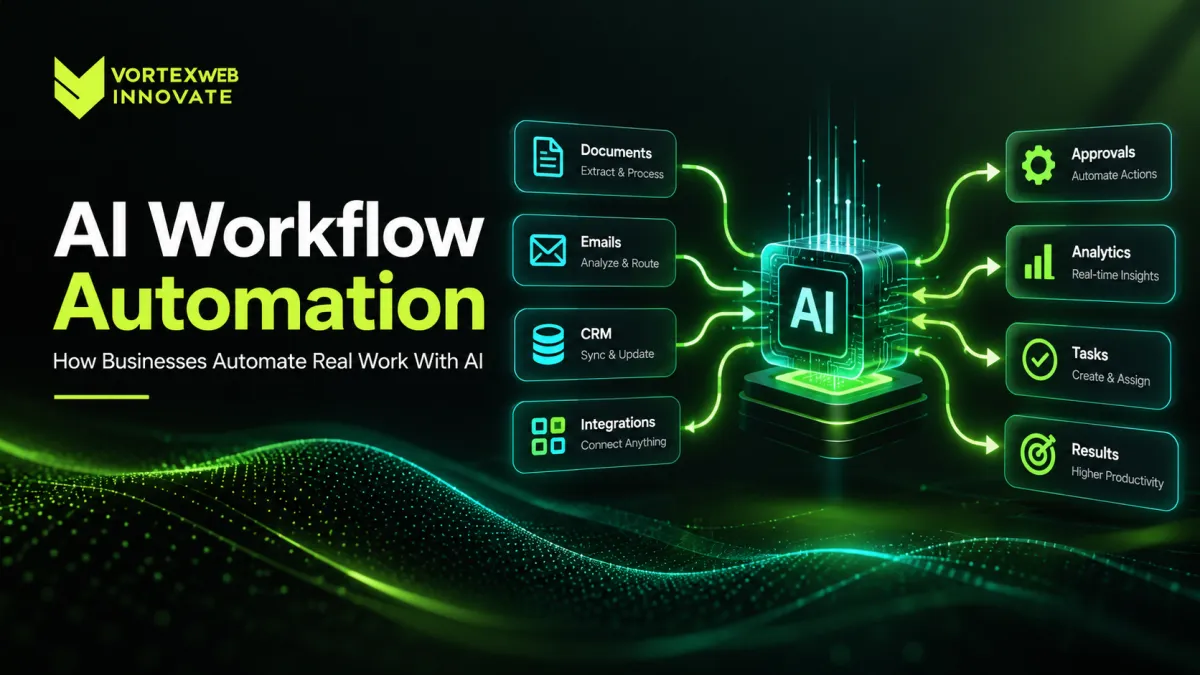
AI workflow automation uses artificial intelligence inside a business process to understand information, support bounded decisions, and move work between approved systems or people. It is different from using an AI model only to generate text. In a production workflow, the model may classify an incoming request, extract information from a document, retrieve company knowledge, choose from approved tools, or prepare a recommended action while software rules, permissions, and human approvals control what happens next.
This is also why serious AI solutions are usually an engineering problem rather than a prompt-writing exercise. The surrounding workflow, integrations, validation, security, evaluation, monitoring, and fallback behavior determine whether an automation can be trusted in daily operations.
AI Workflow Automation vs Traditional Automation
Traditional automation is best when inputs, decisions, and outputs are predictable. A rule such as "if an invoice is approved and the amount is below the threshold, send it to accounting" does not need an AI model.
AI becomes useful when a process contains variable or unstructured information: emails written in different styles, invoices in different layouts, support requests with ambiguous intent, contracts with changing language, or knowledge spread across many documents and systems.
Where Traditional Automation Is Stronger
Use deterministic software for calculations, fixed policy checks, data validation, access control, status changes, and other steps where the correct outcome can be expressed as reliable rules.
Where AI Adds Value
Use AI when the workflow needs language understanding, document interpretation, classification, retrieval, summarization, or context-sensitive recommendations. The strongest production systems often combine both approaches: AI handles interpretation while normal software enforces the rules.
A Practical AI Automation Case Study: Invoice-to-Approval Workflow
The following is an illustrative reference workflow, not a claim about a named Vortex client. It shows how AI workflow automation can be designed around a real operating process without giving a model unrestricted authority.
1. Document Intake
Invoices arrive through email, file upload, shared storage, or another connected system. The workflow records the source, sender, file, and processing status before AI is used.
2. Document Understanding
Document intelligence extracts fields such as supplier, invoice number, date, purchase-order reference, line items, tax, currency, and total. Confidence thresholds determine whether fields can continue automatically or should be reviewed.
3. Business-System Retrieval
The workflow uses controlled API development and integration to retrieve supplier, purchase-order, or accounting information from approved systems. The AI should not invent missing business data. If a required record cannot be found, the case moves into an exception path.
4. Validation
Deterministic rules compare extracted information with system records. Does the purchase order exist? Does the supplier match? Is the invoice number duplicated? Does the amount exceed an approval threshold? AI may interpret the document, but calculations and policy enforcement should remain deterministic wherever possible.
5. Exception Handling
A matched invoice can continue automatically. A mismatch can generate a structured explanation such as "supplier could not be verified" or "invoice quantity differs from purchase-order quantity" and route the case to a human reviewer.
6. Approval and Audit Trail
High-impact actions should use approval controls, least-privilege permissions, and audit logs. Vortex documents its broader approach to this area in security and compliance engineering. The system should record who approved an action, which evidence was available, what tool was called, and what happened next.
Where AI Automation Services Can Create Business Value
Customer and Employee Support
AI can classify requests, retrieve approved information, collect missing details, draft a response, and route cases.
Sensitive or unusual requests can be escalated rather than forced through an automated path.
Sales and CRM Operations
AI workflow automation can enrich CRM records, summarize previous interactions, prepare account research, classify inbound enquiries, draft follow-up material, and route leads according to business rules.
Document Processing
Contracts, claims, invoices, purchase orders, reports, applications, and other documents can be converted into structured workflows. The key engineering challenge is not extraction alone; it is managing uncertainty, exceptions, and downstream actions.
Internal Knowledge Work
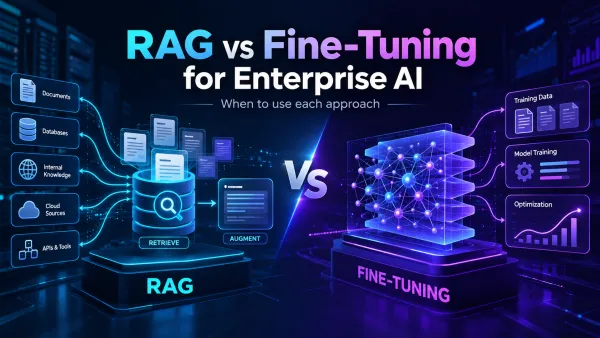
Employees often spend time searching policies, procedures, contracts, technical documentation, and operational data. Retrieval-based systems can surface approved knowledge and then hand the user or an agent into a controlled next step. The architectural trade-offs between retrieval and model customization are covered in RAG vs Fine-Tuning.
Operations and Back-Office Workflows
AI can classify incidents, summarize logs, prepare structured tickets, identify anomalies, recommend next actions, and coordinate information across ERP, CRM, ticketing, analytics, or internal systems.
What a Production AI Automation System Actually Needs
Models
The model may classify information, generate structured output, reason over context, or choose among approved actions. It should be treated as one component of the system rather than the application itself.
Business Data
The workflow needs the right information at the right time. Depending on the use case, this can include databases, documents, CRM records, ERP data, internal APIs, or knowledge repositories. Access should respect existing permissions.
APIs and Integrations
AI becomes operationally useful when it can interact with real systems through controlled interfaces. Vortex builds API and integration engineering for ERP, CRM, SaaS, legacy systems, and internal applications, which is often the layer that turns an AI pilot into a usable workflow.
Workflow Orchestration
The orchestration layer controls sequence, retries, timeouts, exceptions, approvals, and fallback behavior. It determines what happens after a successful action, a low-confidence result, or a tool failure.
Evaluation and Monitoring
Before increasing autonomy, the team needs representative examples of normal cases, difficult cases, edge cases, and unacceptable outcomes. Production monitoring should then track quality, latency, cost, tool failures, corrections, and escalation behavior.
How Vortex Web Innovate Approaches AI Automation Services
Vortex Web Innovate starts with the workflow rather than the model. Our AI Solutions work includes AI agents and workflow automation, document intelligence, RAG systems, evaluation, model operations, and the integrations required to connect AI to business systems.
When the workflow also requires a new internal platform, operations system, or approval engine, custom software development may be part of the architecture. When the automation is one component of a broader customer-facing or SaaS product, the engagement may fit a digital product development approach instead.
1. Select a Bounded Workflow
Choose one process with a clear owner, measurable volume, recognizable pain point, and defined output. Do not begin with "automate the company."
2. Map the Existing Process
Document inputs, systems, decisions, manual steps, handoffs, exceptions, approval requirements, and failure cases. This often reveals that parts of the workflow do not need AI at all.
3. Establish a Baseline
Measure processing time, manual touches, error rate, backlog, exception rate, cost per transaction, or another relevant business metric before automation. Without a baseline, ROI claims become guesswork.
4. Define the AI Boundary
Specify exactly what the model is allowed to interpret or recommend and which steps stay deterministic. For example: classify document - AI; calculate tax - code; check approval limit - policy rule; approve payment - human or controlled system action.
5. Integrate the Required Systems
Connect only the systems and actions the workflow actually needs. Limit permissions, validate inputs and outputs, and create clear failure paths.
6. Build Evaluation Before Autonomy
Test representative real-world cases before the workflow is allowed to act with meaningful authority. The team should understand where the system succeeds, where it fails, and which conditions require review.
7. Launch With Limited Authority
A useful first version may automate preparation rather than final action. As evidence accumulates, additional actions can be automated safely.
8. Monitor and Improve
Models, prompts, data, vendors, workflows, and business requirements change. Evaluation and regression testing therefore continue after launch.
When AI Automation Consulting Should Recommend Not Using AI
Not every workflow deserves AI. A good AI automation consulting process should identify poor candidates as well as good ones.
A workflow may not be worth automating when volume is too low, the process changes constantly, required data is unavailable, mistakes carry unacceptable consequences, conventional software solves the problem more reliably, or integration cost is greater than the likely business value.
AI Workflow Automation and Security
Giving AI the ability to perform actions changes the security model. The system should assume generated output can be wrong. Controls may include least-privilege access, tool allowlists, validation, human confirmation, audit logging, rate limits, data-access controls, environment isolation, and rollback procedures. See Vortex Security & Compliance Engineering for the broader controls we apply around production systems.
From AI Pilot to Production
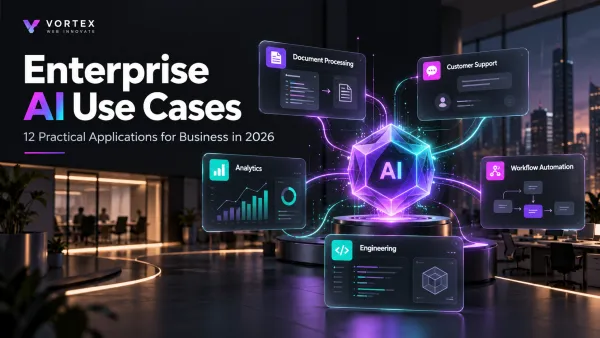
The difference between an impressive demo and a useful AI automation system is usually the surrounding engineering. Our existing guide to enterprise AI use cases explains how to select practical use cases, while Enterprise AI Agents goes deeper into agent architecture, security, and implementation.
If your organization has a workflow that is repetitive, variable, measurable, and connected to systems your team already uses, Vortex can assess whether AI, traditional automation, or a hybrid approach is the right fit. You can request a project estimate for a specific workflow or automation opportunity.
Frequently Asked Questions
What is AI workflow automation?
AI workflow automation uses artificial intelligence inside business processes to interpret information, support bounded decisions, and trigger approved actions across connected systems.
What is the difference between AI automation and normal automation?
Traditional automation follows predefined rules. AI automation adds the ability to interpret variable or unstructured information. Production systems commonly combine both.
Can AI agents update business systems automatically?
Yes, but access should be restricted to approved tools and actions. Sensitive changes may require validation, human approval, or both.
What business processes can use AI automation?
Common examples include document processing, support operations, CRM enrichment, internal knowledge workflows, invoice processing, service-request routing, research, and back-office operations.
Does every automated workflow need an AI agent?
No. Many workflows are better implemented using normal software or rule-based automation. AI should be used where interpretation, variability, or contextual decision support genuinely adds value.
How should a company start an AI automation project?
Start with one bounded workflow, document its current process and baseline, identify the exact role AI should play, connect required systems, define evaluation criteria, and launch with controlled permissions